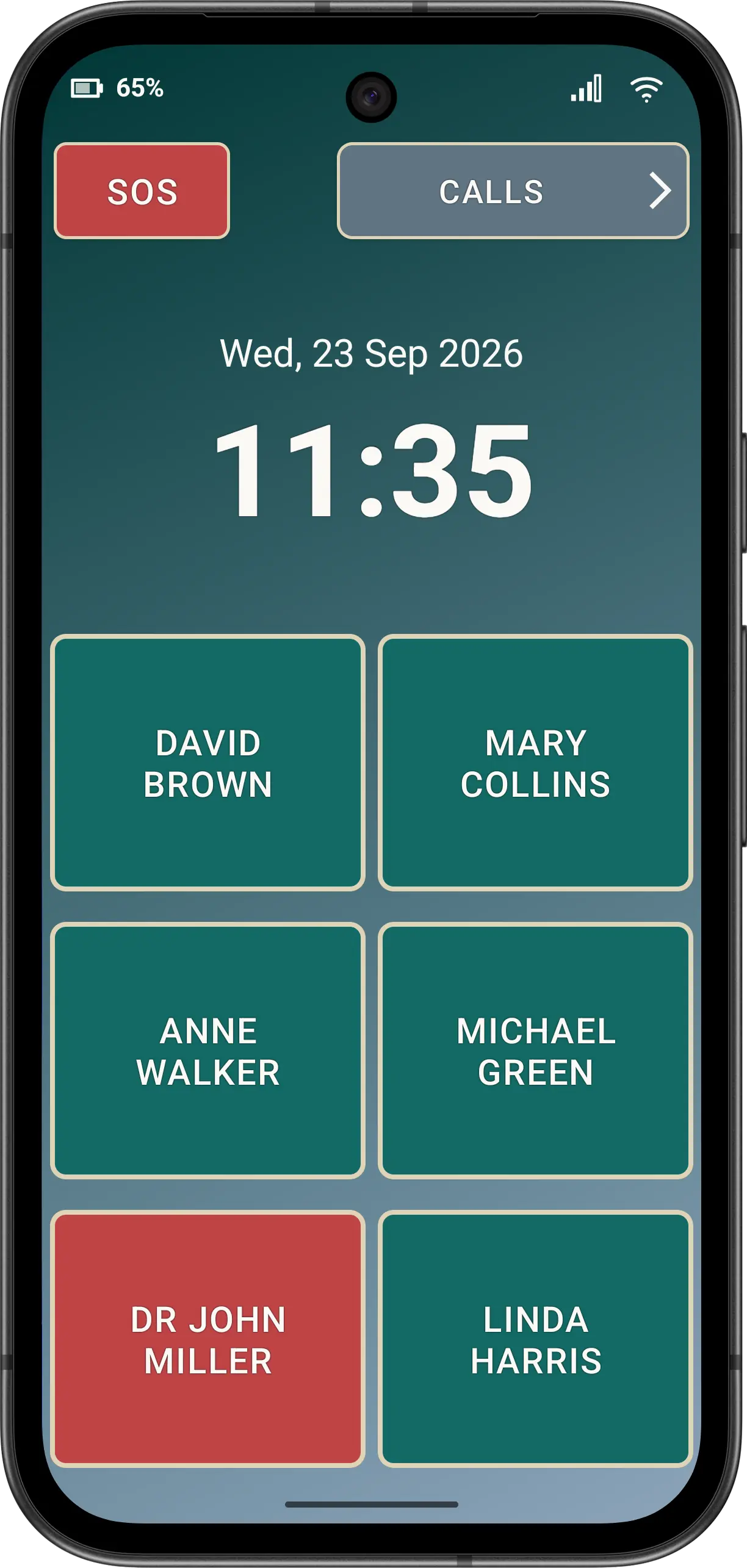
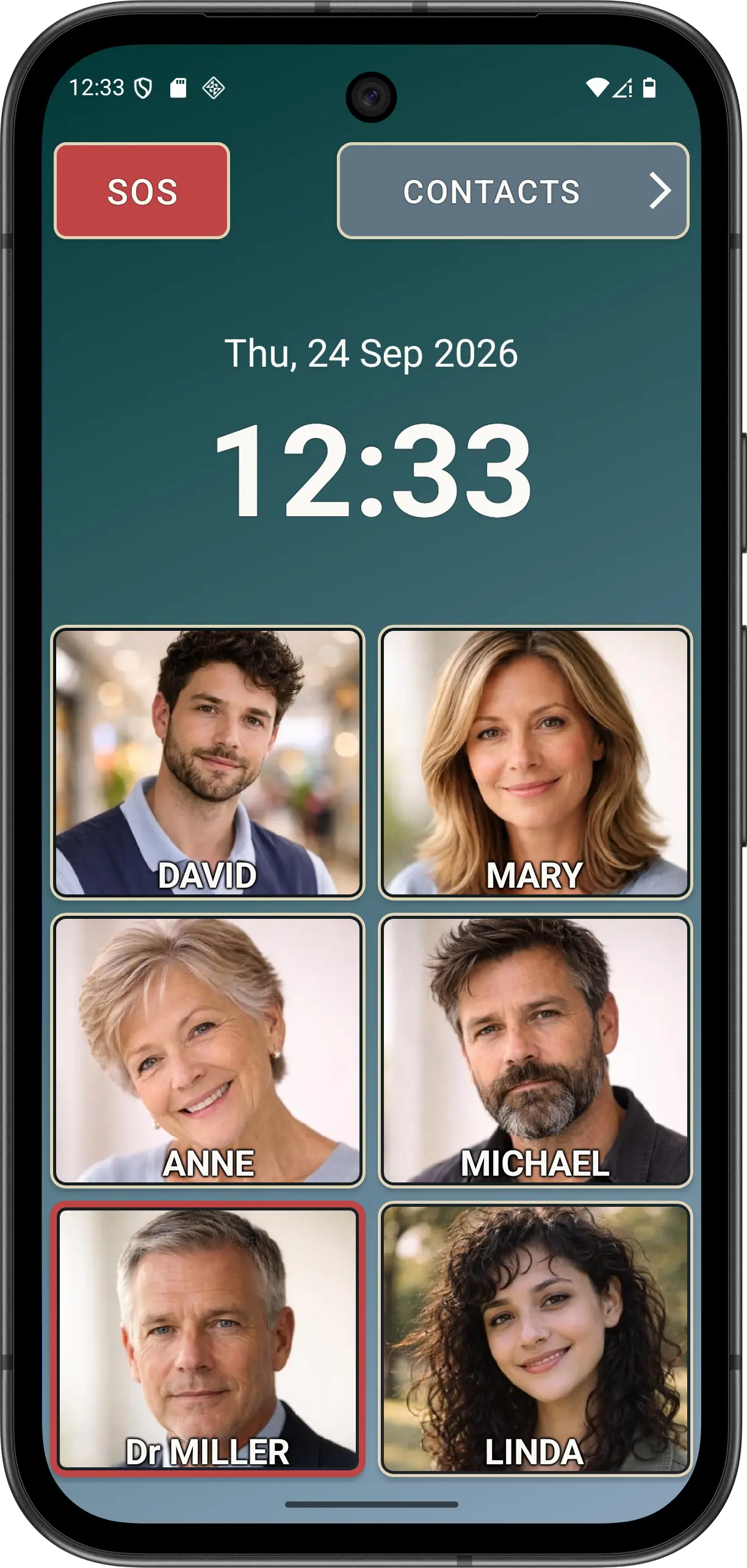
Large speed-dial buttons
Use text buttons or, with Advanced mode features active, show photos of your contacts.

A portrait Android phone app with large speed dials, clear call controls and a simpler Elder Mode for people who benefit from reduced complexity.
Clearer everyday calling
Use text buttons or, with Advanced mode features active, show photos of your contacts.
Large controls you can press just once to call, or add confirmation prompts to ensure accidental calls are prevented
Call blocking support, with Advanced Safe Call Mode to restrict incoming calls to known Contacts.
Understand the limitationsStart here
The website is organised around setup, Normal Mode, Elder Mode and preferences.
Prepare the default-phone role, contacts, Guided Setup and first-call checks.
Initial SetupUse contacts, the optional Dial Pad, call history, blocking and editing tools.
Normal ModeRemoves complexity and makes your phone into a simple, basic calling device
Elder ModeManually configure all App functions by changing settings on the app Preferences page.
Preferences
Available now
Download and set up the Elder Dialler application from the Google Play Store for yourself or your elderly relatives. All can experience the difference and simplicity that Elder Dialler offers.