Set up Elder Mode
Enable the free simpler operating mode after contacts, speed dials and safety choices are ready.
Elder Mode is not a security lock. It reduces accidental navigation, hides unsuitable setup and editing paths, and requests Android screen pinning.
Enable Elder Mode
- Finish setup first. Configure contacts, speed dials, SOS and other preferences before restricting editing paths.
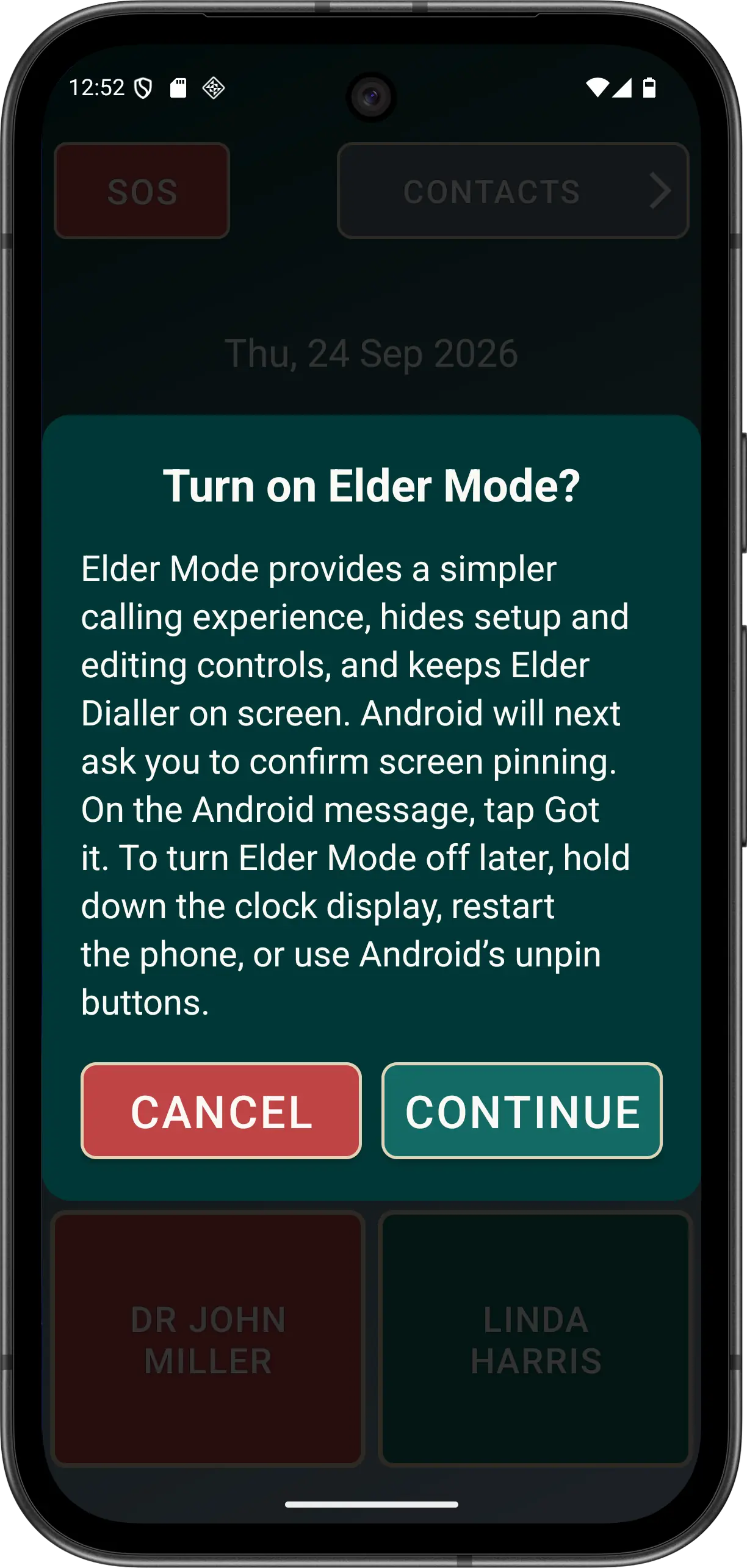
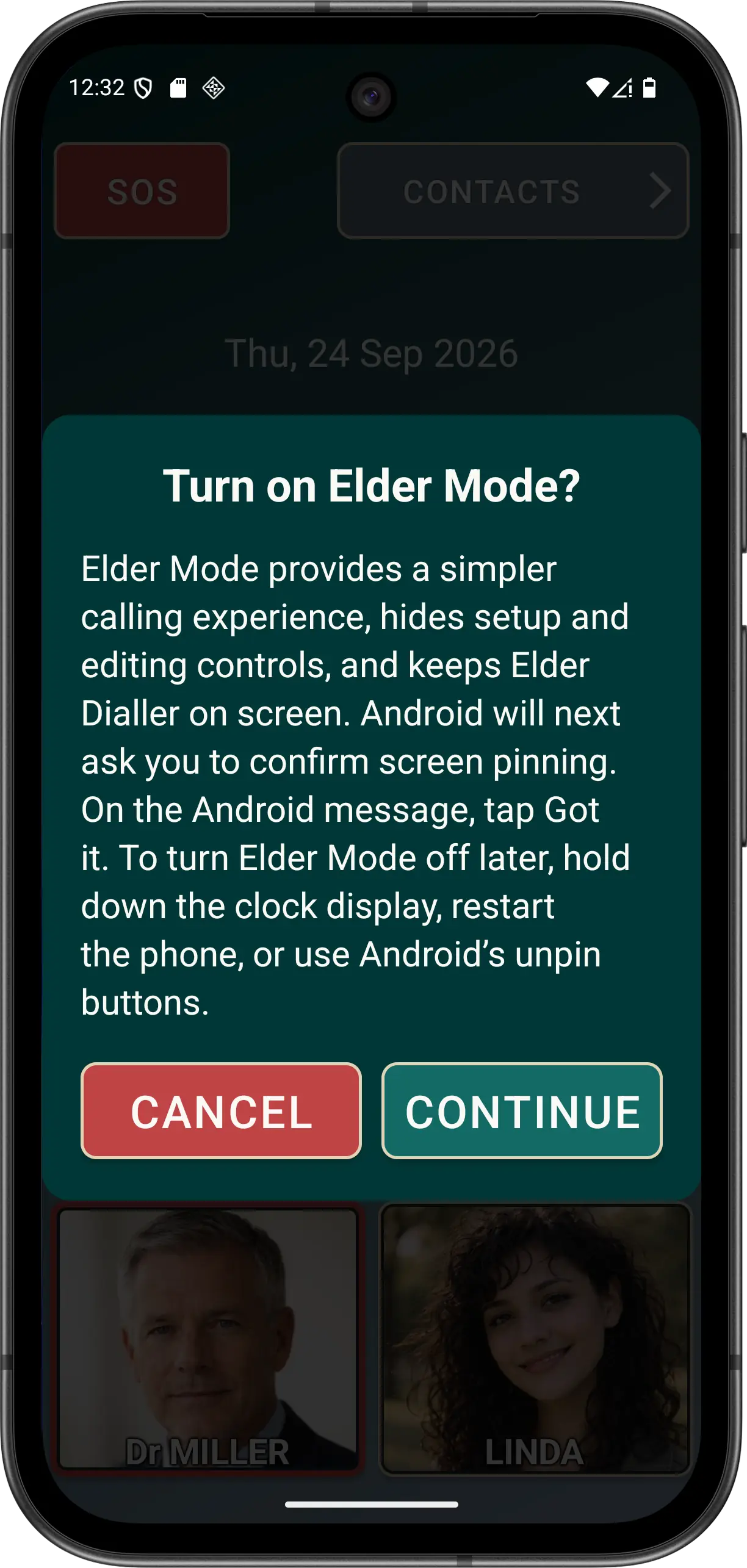
- Turn on Elder Mode in Guided Setup or Preferences. Elder Dialler shows its own explanation with fixed CANCEL and CONTINUE actions.
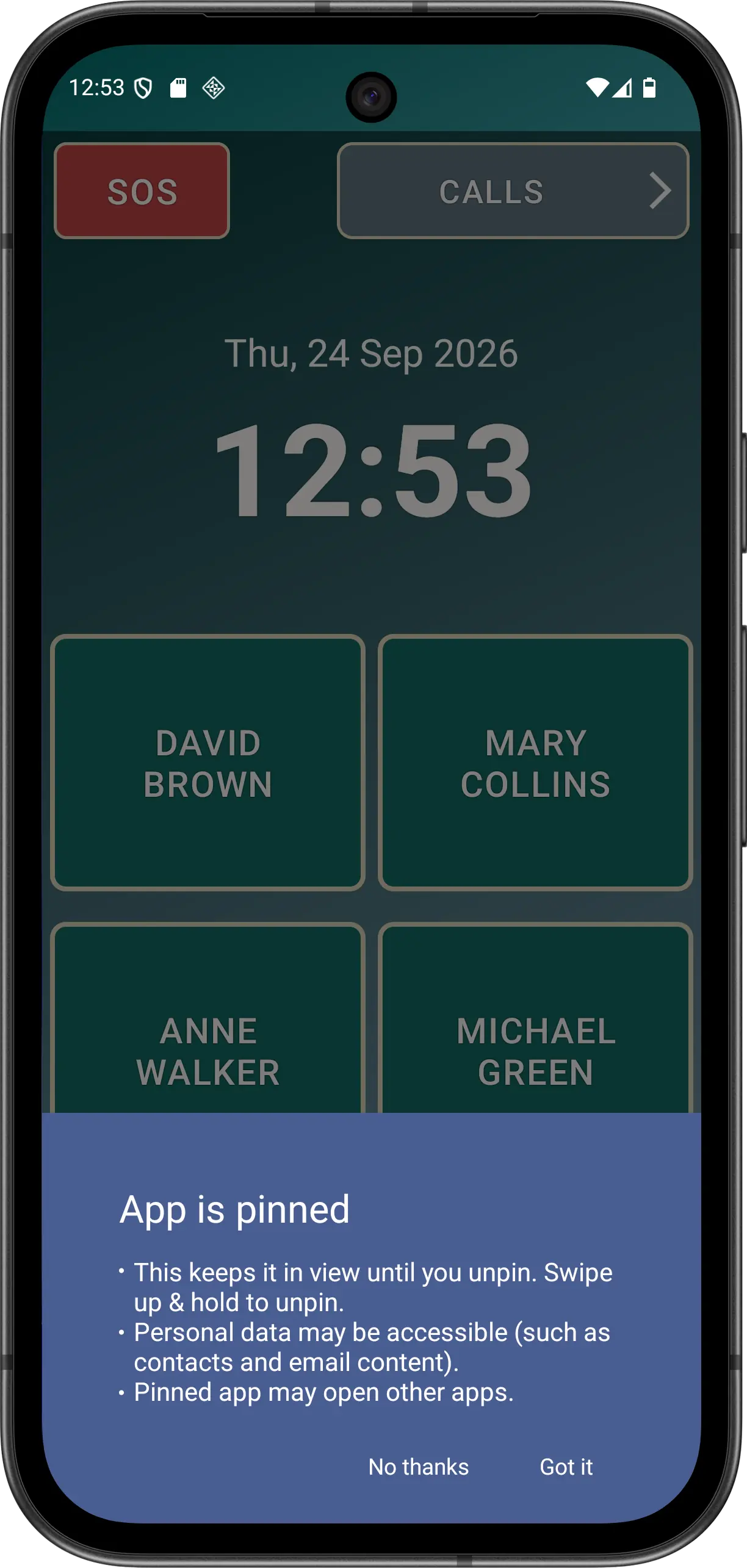
- Press CONTINUE, then accept Android's screen-pinning prompt. Elder Mode becomes active only when Android lock-task state is active.
- If Android's prompt is declined, Elder Mode is turned off again. The app reconciles the declined request when focus returns.
- Check the focused main screen. Empty speed-dial positions and unsuitable edit paths are hidden, while configured calling, CALLS and SOS actions remain available.
Check the status header
The app-owned Elder Mode header can show battery level, charging, cellular service and signal, plus validated Wi-Fi, cellular, Ethernet or offline transport. It does not display a special Wi-Fi Calling icon or invent signal bars when Android withholds signal data.
Exit Elder Mode
Hold the Main-screen clock for five seconds for exit help, or use Android's normal unpin action for that device and navigation mode. Android button or gesture instructions vary between phones.
Disclaimer: All names, contact details, and images displayed on this website and shown within the Elder Dialler application are entirely fictitious and are used for demonstration and illustrative purposes only. Any resemblance to real persons, living or deceased, is purely coincidental. No content is intended to represent, simulate, or replicate any actual individual.