Use the SOS button
Start the configured personal-contact sequence deliberately and use CALL NEXT or STOP as shown.
Important: Elder Dialler SOS makes ordinary telephone calls to configured personal contacts. It does not automatically contact emergency services or guarantee connection, answer or help.
Manual SOS
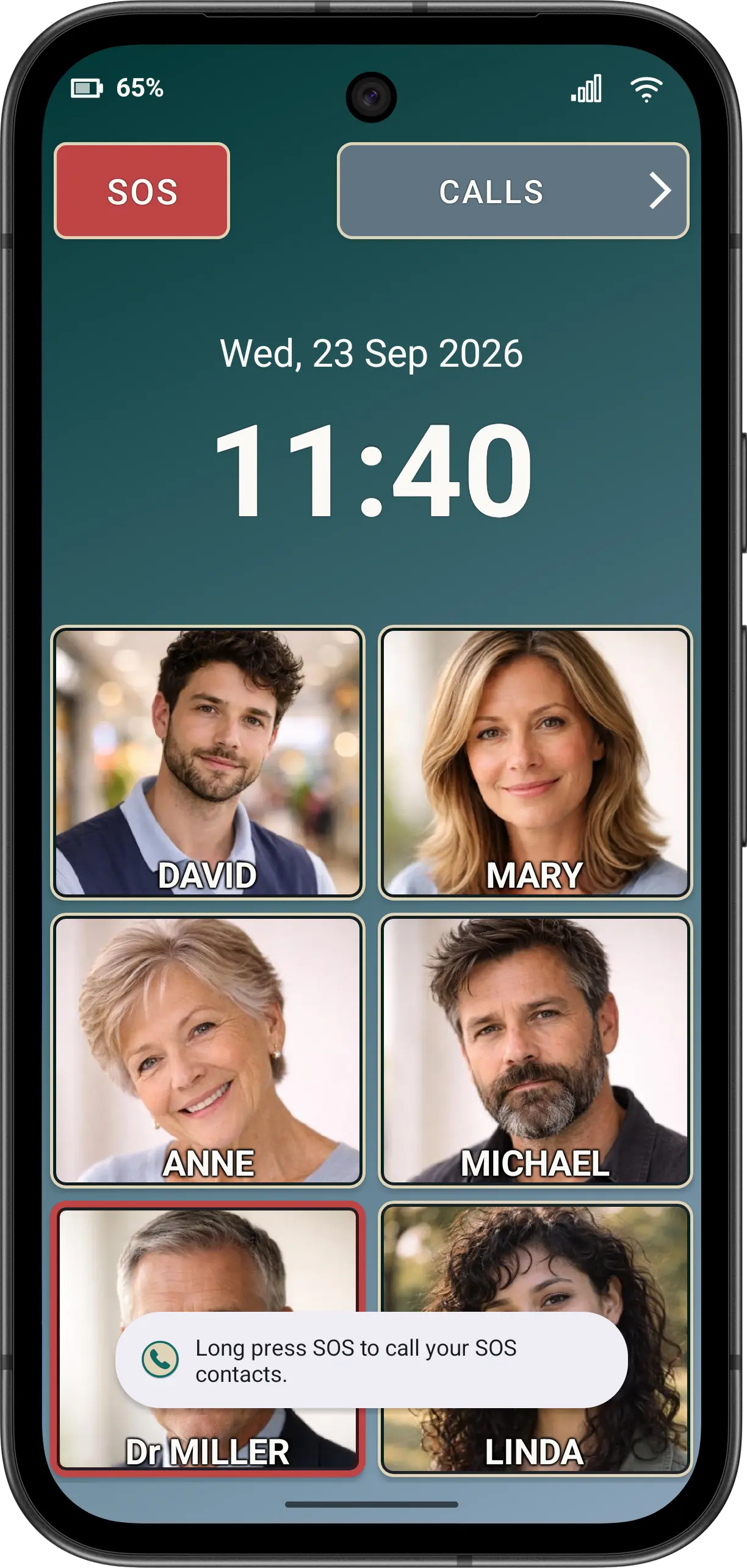
- Press and hold SOS. A quick tap only explains that a long press is required.
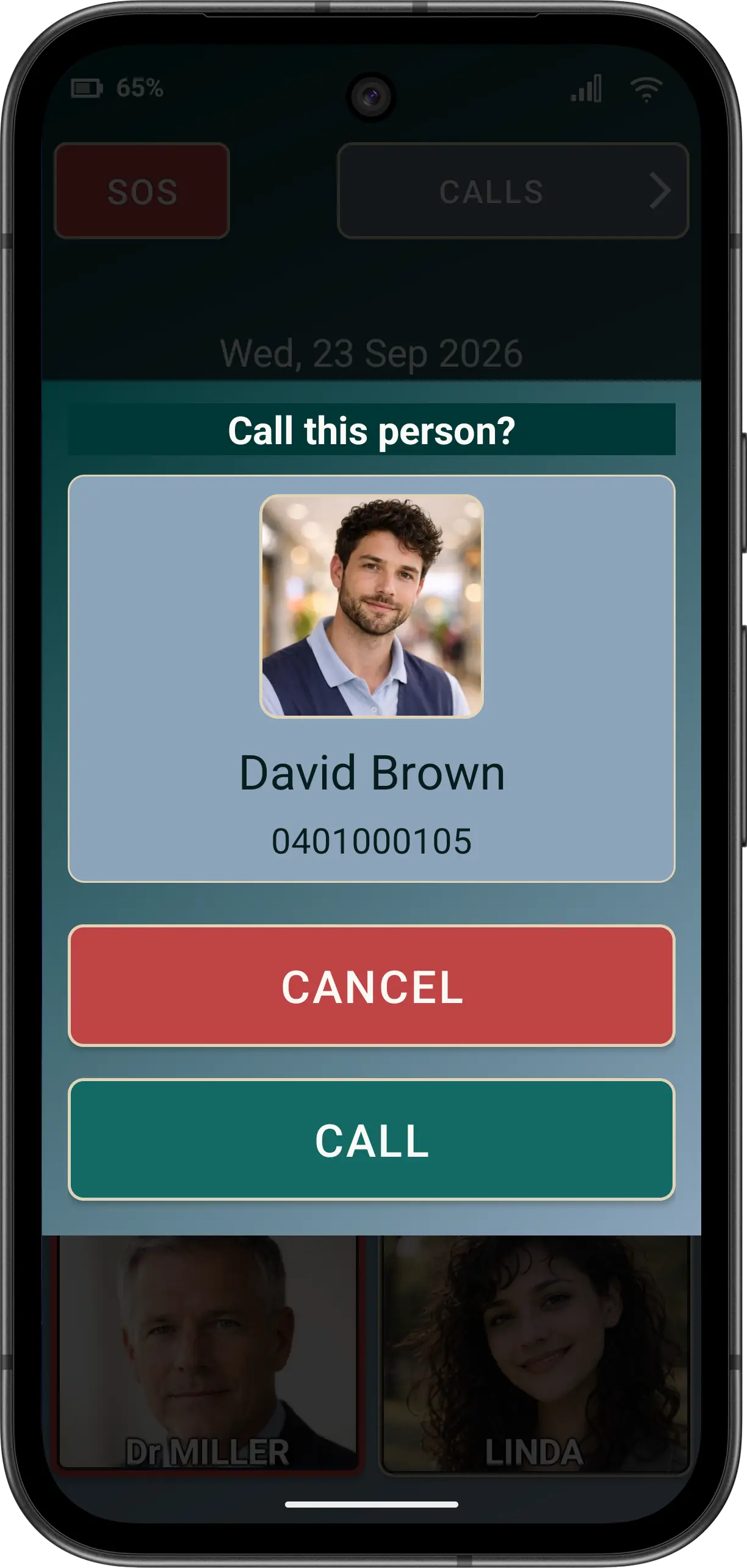
- Check the first available contact. Missing configured contacts are skipped.
- Use the confirmation to call or cancel. Ask before dialling follows the shared confirmation policy.
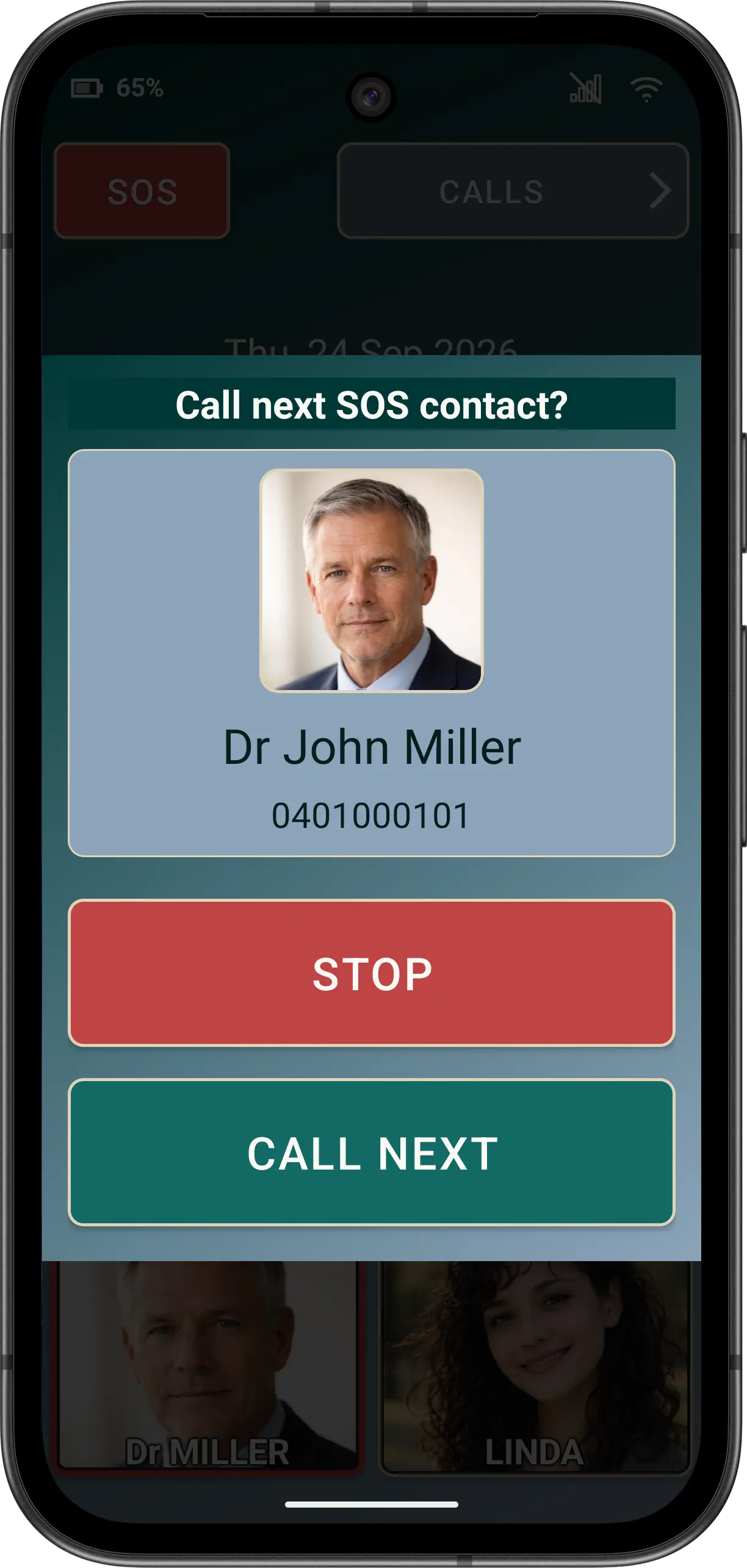
- After returning from a call, choose CALL NEXT or STOP. Sequence state is retained so the next configured personal contact can be offered.
When Auto SOS is enabled
Advanced Auto SOS can force loudspeaker, end the current SOS call after 10, 15, 20, 30 or 45 seconds, and continue or cycle through the ordered list until STOP is chosen.
Accessibility
The hint, current contact, confirmation and continuation actions use explicit labels. At Large and Huge app fonts, confirm the contact identity and fixed actions remain readable and reachable on the actual phone.
Disclaimer: All names, contact details, and images displayed on this website and shown within the Elder Dialler application are entirely fictitious and are used for demonstration and illustrative purposes only. Any resemblance to real persons, living or deceased, is purely coincidental. No content is intended to represent, simulate, or replicate any actual individual.