Answer or decline a call
Check the caller identity and choose only from the large actions valid for the current call state.
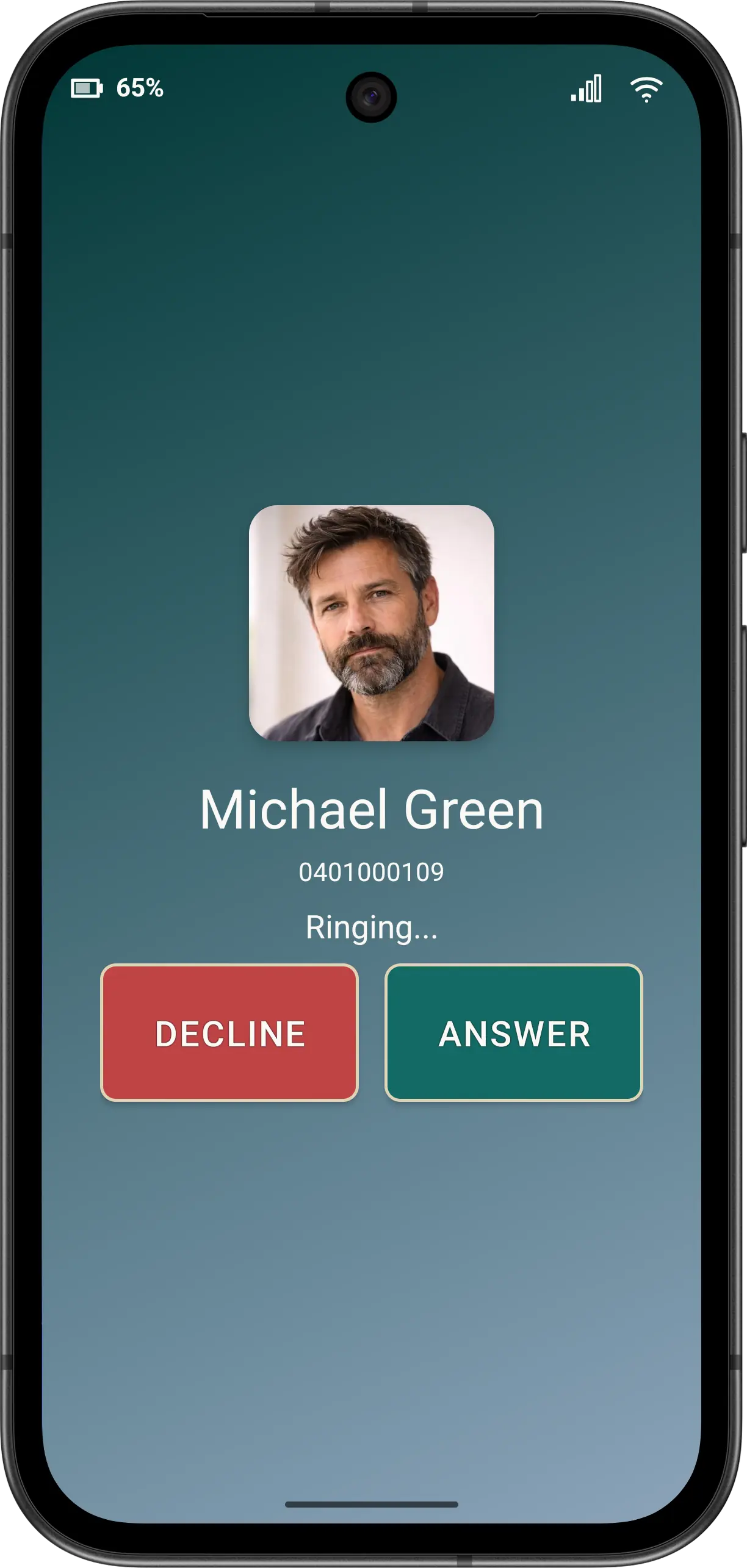
When the phone rings
- Check the displayed name, number, initials or resolved photo.
- Tap ANSWER once to speak with the caller.
- Tap DECLINE once when you do not want the call.
When another call is waiting
Elder Dialler can present a waiting call while another call is active. The available choices can include ignoring or rejecting the waiting call, answering it, or ending the primary call before answering. Read the displayed action carefully because carrier and device behaviour can vary.
Do not recognise the caller? You do not have to answer. Ask a trusted person for help if you are unsure.
Accessibility
Caller identity and valid actions remain the meaningful TalkBack content. Decorative images are not announced twice, and larger app fonts retain reachable call actions.
Disclaimer: All names, contact details, and images displayed on this website and shown within the Elder Dialler application are entirely fictitious and are used for demonstration and illustrative purposes only. Any resemblance to real persons, living or deceased, is purely coincidental. No content is intended to represent, simulate, or replicate any actual individual.