Make a call
Call a configured person from a large speed-dial button.
Make a callChoose one everyday task and follow only the controls needed for it.
Everyday calling
The task pages explain the relevant call controls without requiring preference changes.
Call a configured person from a large speed-dial button.
Make a callUse the valid Answer or Decline action for an incoming call.
Answer a callFinish an active call using END CALL.
End a callRecognise a badge, open CALLS and safely return a recognised call.
Check missed callsLong-press SOS and use the configured personal-contact sequence.
Use SOSFind the simplest next step or ask a trusted person for help.
Get helpRecognise Elder Mode
The app-owned header can show battery, charging, cellular service and signal, and validated transport while screen pinning is active. CALLS may carry a single- or multi-digit missed-call badge, and an assigned speed dial can show a marker for that number.
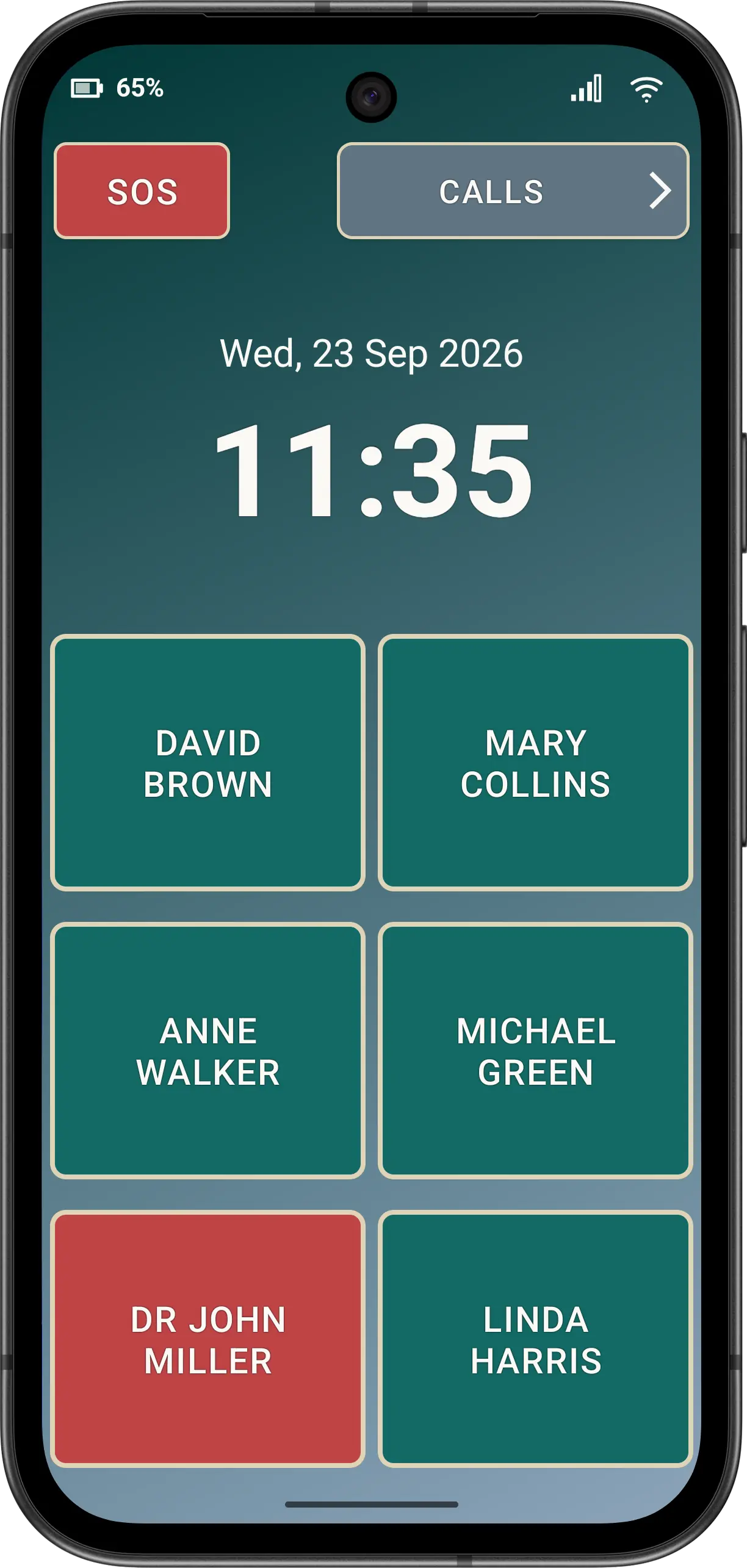
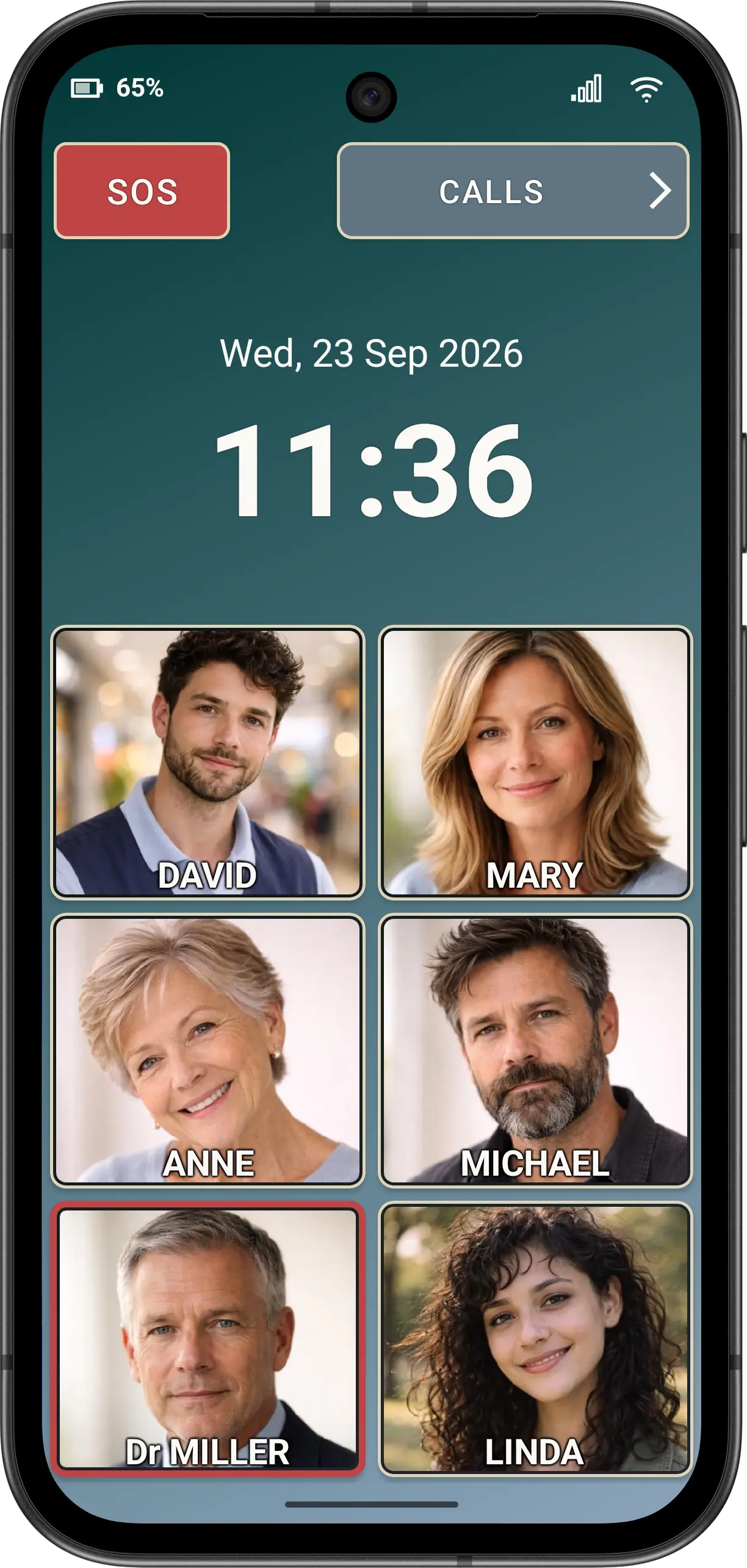
Disclaimer: All names, contact details, and images displayed on this website and shown within the Elder Dialler application are entirely fictitious and are used for demonstration and illustrative purposes only. Any resemblance to real persons, living or deceased, is purely coincidental. No content is intended to represent, simulate, or replicate any actual individual.