Make a call
Check the displayed identity, then start or cancel the call using the actions valid for that step.
The short version
Find the person
Tap once
Choose CALL if asked
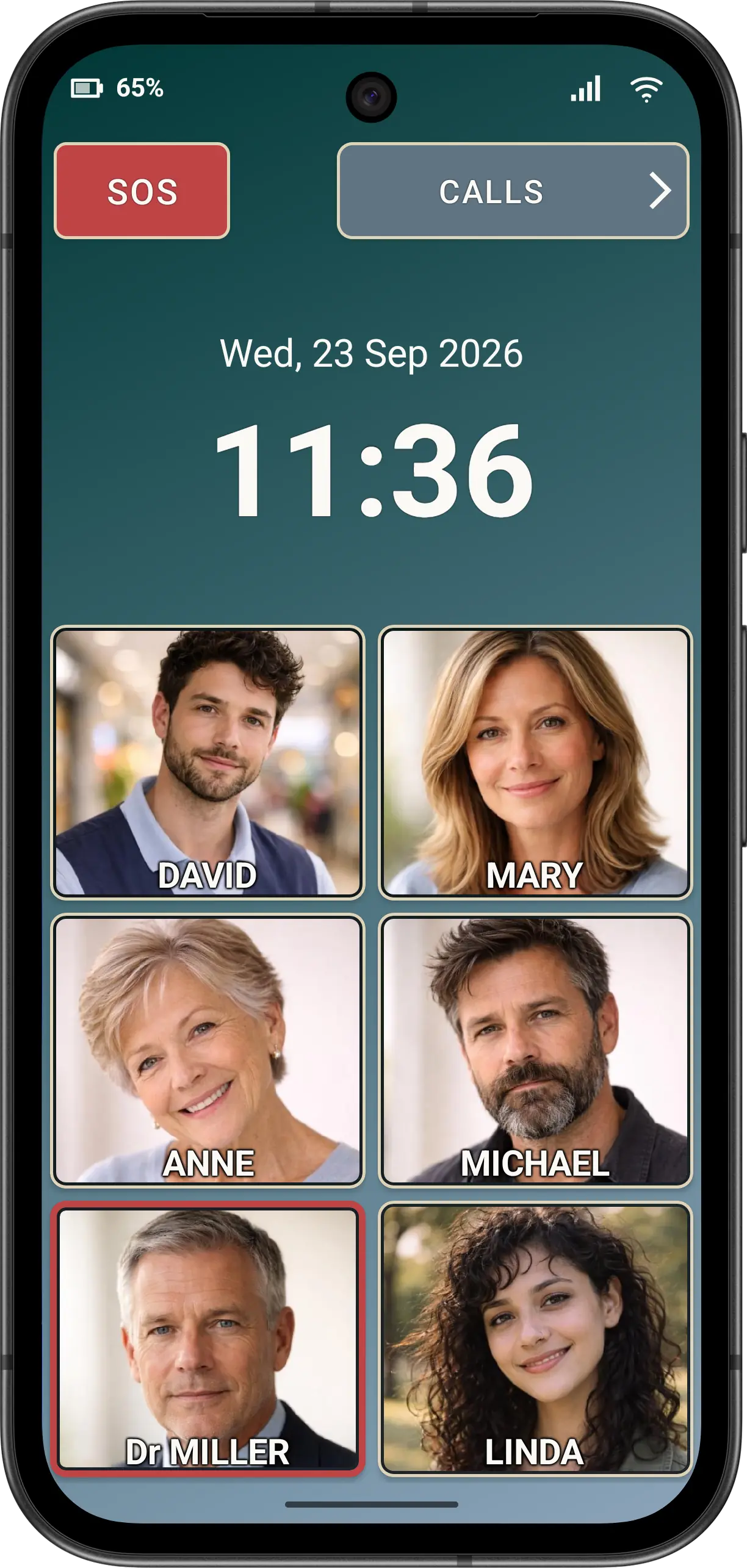
Call from a speed dial
- Find the intended person's button. Check the name, initials or resolved photo.
- Tap once.
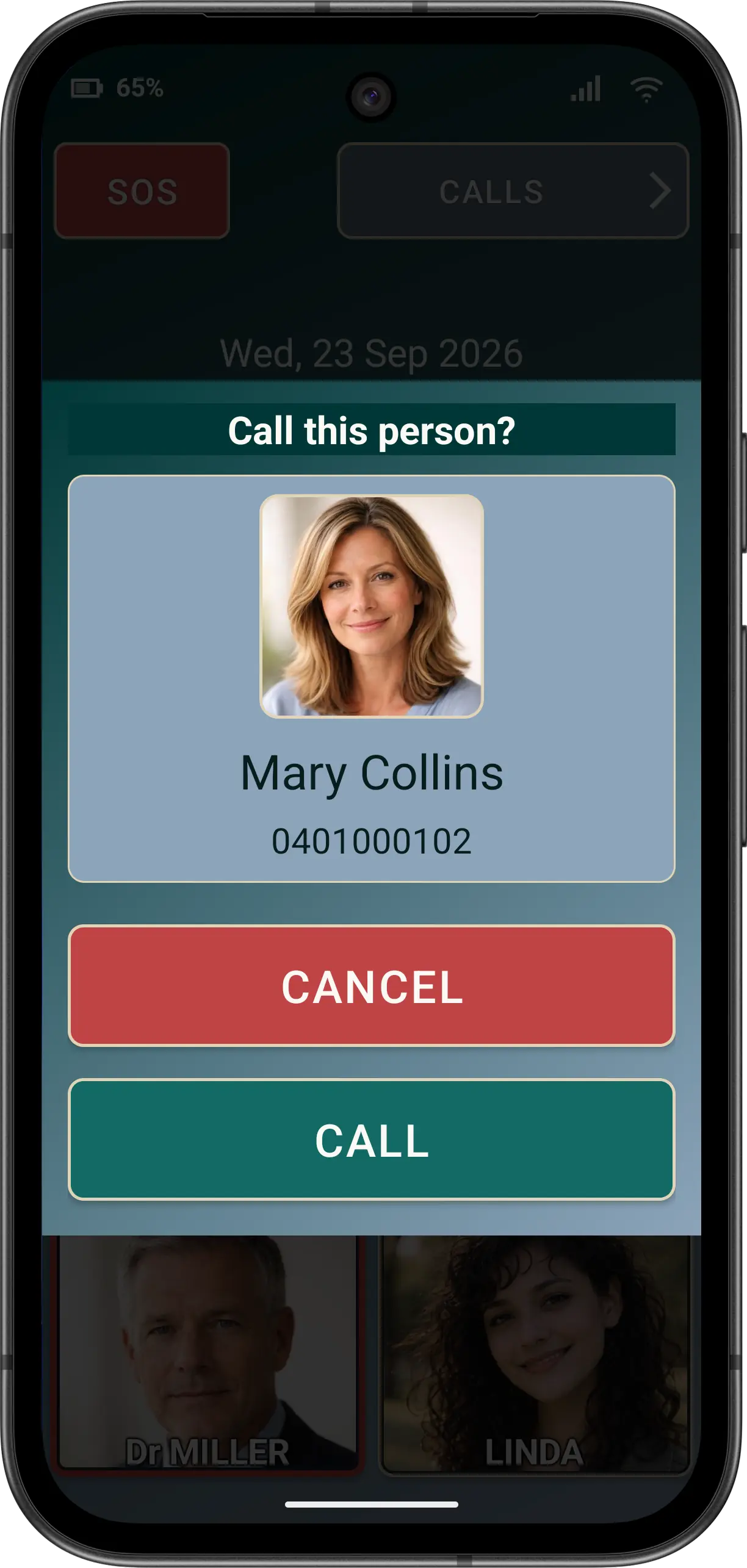
- If Ask before dialling appears, check the clean name and formatted number. Choose CALL to continue or CANCEL to stop.
The same confirmation policy is used for ordinary calls started from speed dial, Contacts, call history, the Dial Pad and supported SOS prompts. Cancelling never places the call.
Accessibility
The confirmation keeps the heading, identity and fixed actions reachable at Large and Huge app fonts. TalkBack should announce the person and available CALL or CANCEL actions without duplicate decorative-image content.
Cannot find the person? Ask the family member or carer who configured the phone to review the contact and speed-dial assignment in Normal Mode.