Use the active-call controls
End the conversation and use loudspeaker or touch tones only when those controls are available.
During an active call
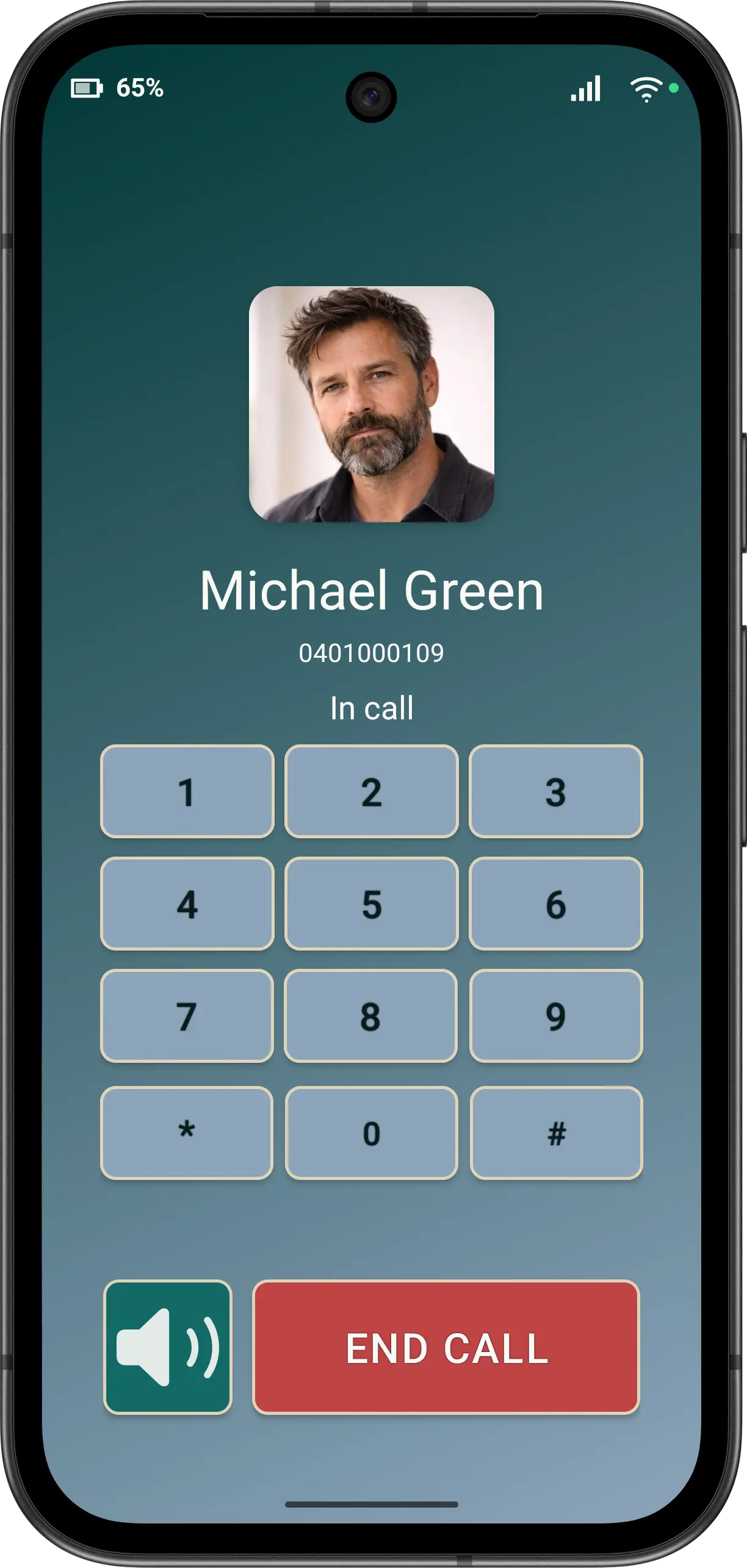
- Use LOUDSPEAKER when needed. The preference can turn it on when a call connects, and the active-call action can change it.
- Use Touch Tone for an automated telephone menu. DTMF controls appear only when enabled and valid for the call.
- Tap END CALL once to finish.
- Wait for Elder Dialler to return to its main screen.
Accessibility
The caller identity, call state and enabled actions have meaningful semantics. Hidden or invalid controls should not receive TalkBack focus, and the large END CALL action remains visually distinct.
The call did not end? Tap END CALL once more. If the problem continues, ask a family member or carer for help and contact Elder Apps with the phone model and Android version.
Disclaimer: All names, contact details, and images displayed on this website and shown within the Elder Dialler application are entirely fictitious and are used for demonstration and illustrative purposes only. Any resemblance to real persons, living or deceased, is purely coincidental. No content is intended to represent, simulate, or replicate any actual individual.